
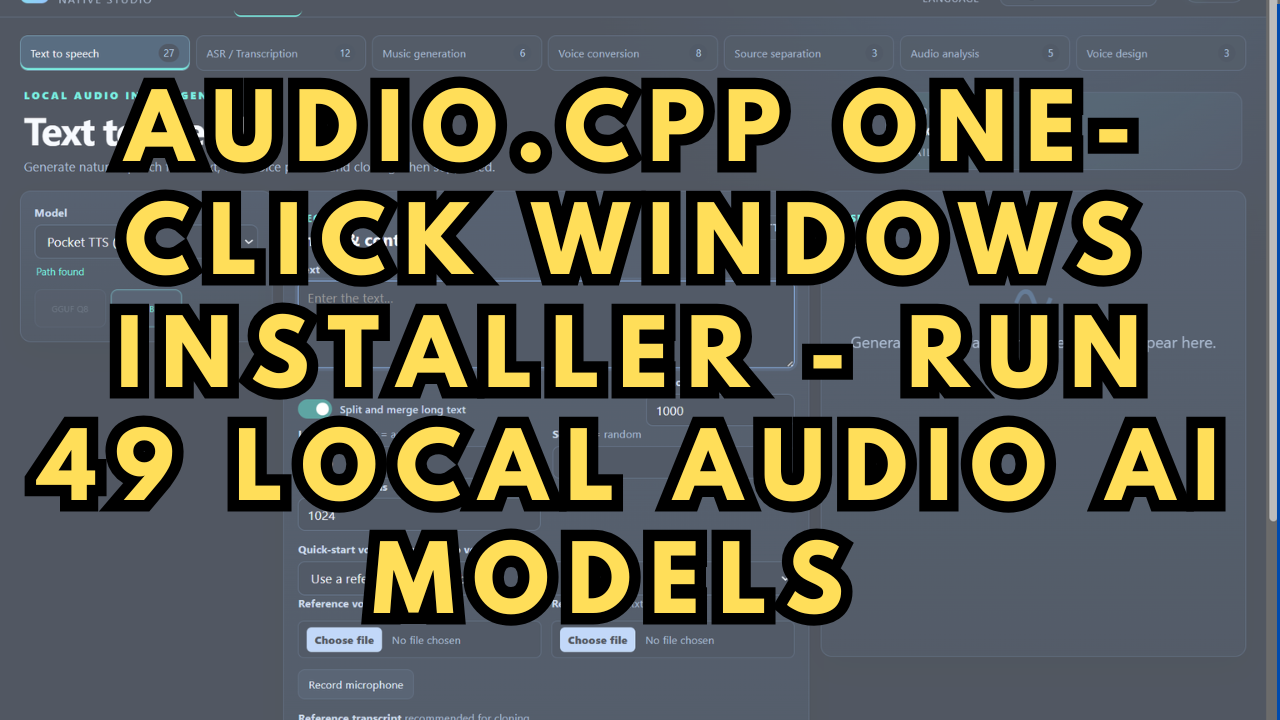
audio.cpp One-Click Windows Installer - Run 49 Local Audio AI Models
Run 49 local audio AI model families on Windows from a single native engine — with no Python, no Conda, and no dependency hell. This one-click installer sets up audio.cpp (the "llama.cpp for audio") plus a ready-to-use WebUI in one double-click.
One engine, dozens of tasks: text-to-speech, voice cloning, speech recognition and transcription, voice conversion, speaker diarization, VAD, source separation, alignment, and music generation — all through the same runtime.
What the installer does: checks your GPU and installs the CUDA build if your card supports it (falling back to CPU automatically), downloads upstream's own signed release straight from GitHub, verifies every file against its published SHA-256, confirms the binary actually runs on your machine, then sets up the WebUI and models folder. Downloads are resumable and the whole thing is safe to re-run — a dropped 800 MB download resumes instead of restarting.
It does not touch your system. No registry writes, no services, no PATH or environment changes, no admin rights. Uninstalling is deleting one folder.
Requirements: Windows 10 or 11 (64-bit). For the GPU build, an NVIDIA card with compute capability 7.5 or newer (RTX 20-series and up) and driver 580.xx or newer — the package is built against CUDA 13, which sets that floor. Older or non-NVIDIA GPUs are fully supported through the CPU package, which the installer selects on its own. Not required: Visual Studio, the CUDA Toolkit, Node.js, system Python, or admin rights.
Download size: roughly 810 MB for the CUDA install (peaking near 1.9 GB on disk during setup) or about 34 MB for CPU. Models are separate and installed later from the WebUI.
audio.cpp is an open-source (Apache 2.0) framework by ShugoAI LLC, built on ggml. This is an unofficial convenience installer for their official prebuilt releases — all credit for the framework goes to the upstream project.
What you get
A one-click Windows installer (.bat + .ps1) that sets up the official audio.cpp prebuilt release and a local WebUI. Includes GPU detection with automatic CUDA/CPU selection, SHA-256 verification of every download, resumable downloads, a post-install run check, and an install log for troubleshooting.
Model weights are not included — they are multi-GB and installed separately from the WebUI's Models page, which shows sizes and progress.
System requirements
OS: Windows 10 or 11, 64-bit.
GPU build: NVIDIA GPU with compute capability 7.5+ (RTX 20-series/Turing and newer) and driver 580.xx or newer. The driver floor is the single most common thing that trips people up — check it first.
CPU build: everything else, including GTX 10-series and AMD cards. Selected automatically.
Disk: ~810 MB downloaded for CUDA (peaks ~1.9 GB during install), ~34 MB for CPU. Models are additional.
Not needed: Visual Studio, CUDA Toolkit, Node.js, system Python, admin rights.
Getting started
Unzip the whole archive and keep the files together — install-audiocpp.bat and install-audiocpp.ps1 must stay in the same folder. Copying only the .bat is the most common install failure.
If Windows shows "Windows protected your PC", that is the normal Mark-of-the-Web on any downloaded file: click More info → Run anyway, or right-click the zip → Properties → Unblock before extracting.
After install, double-click start-audiocpp-webui.bat. It starts the server and opens http://127.0.0.1:8080/ — loopback only, not exposed to your network. Install models from the WebUI's Models page; on an 8 GB card start with a Q8 or Q4 GGUF package.
Troubleshooting
Every run writes install-audiocpp.log next to the installer, recording the installer version, your Windows and driver details, and what it did. Attach that file with any support request.
Window flashes and closes — the .bat got separated from the .ps1. Keep both in one folder.
"Driver too old" — your NVIDIA driver is below 580.xx. Update it, or run with -Backend cpu.
Says it's using the CPU package — your GPU isn't NVIDIA, or is older than compute capability 7.5. That's expected behaviour.
Port warning at the end — something else is using 8080. Re-run with -Port 8090.
Licence & credit
audio.cpp is an Apache 2.0 project by ShugoAI LLC, built on ggml. This listing is an unofficial installer for their official prebuilt releases — it downloads upstream's own signed binaries and does not compile or redistribute them.
Model weights carry their own individual licences; some packages are gated on Hugging Face and require your own free account and token.
Upstream project: https://github.com/0xShug0/audio.cpp