
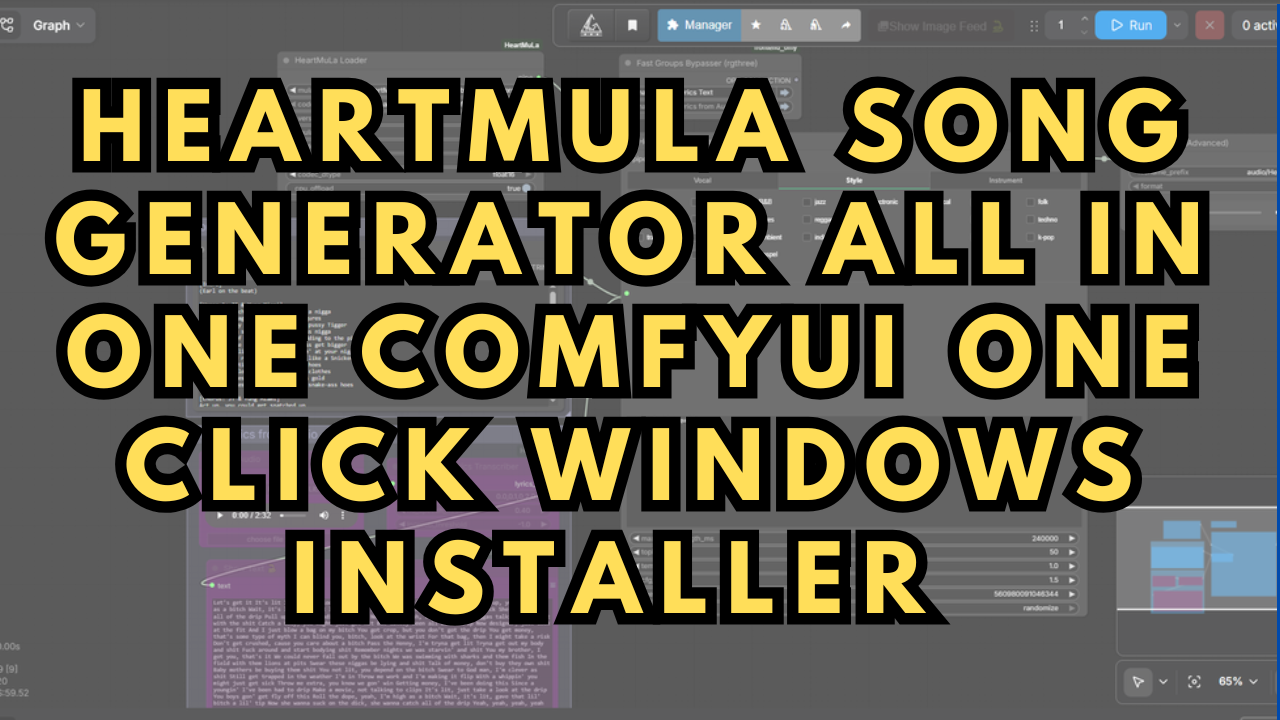

HeartMuLa Song Generator All In One ComfyUI One Click Windows Installer
HeartMuLa all in one ComfyUI one click Windows installer — a single setup that installs ComfyUI Portable, every custom node, and every model needed to generate full songs with vocals and lyrics locally on your own GPU. No manual model hunting, no folder placement, no Python or CUDA setup. Double click and generate.
HeartMuLa is an open source, Apache 2.0 licensed AI music generation model — the most capable open weight song generator available right now and the closest thing to a self-hosted Suno. It's an autoregressive music language model paired with HeartCodec, an ultra low frame rate 12.5 Hz codec, and it generates studio quality music with actual sung lyrics from a text style description plus your own words. It handles multiple languages, and it does fine-grained section control, so you can describe the intro, verse, and chorus separately in plain language. Because it's local and open weight, there's no subscription, no per-song credit meter, and nothing leaves your machine.
To make setup simpler, I merged the models myself — a BF16 build of the 3B generator and an FP16 build of HeartCodec — combining the standard multi-part release into single files so there's one file to load instead of several. Those merged models are hosted on my Hugging Face and are downloaded automatically by this installer, along with the HeartTranscriptor lyric model. The workflow is included as well.
The HeartMuLa ComfyUI workflow is also available free on my Patreon if you'd rather set it up by hand. Link below.
What's Included in This HeartMuLa Installer
ComfyUI Windows Portable — downloaded, extracted, and configured with the CUDA 12.8 build of PyTorch and the Triton/Numba dependencies HeartMuLa needs, so it runs on RTX 30, 40, and 50 series cards without manual setup.
HeartMuLa ComfyUI node pack — the full custom node set the workflow depends on, cloned and with all requirements installed.
My merged BF16 / FP16 models — the 3B generator and HeartCodec, each combined from the multi-part release into a single file for easier loading, plus the HeartTranscriptor lyric recognition model.
The song generation workflow — preconfigured with the Fast Groups Bypasser so you can switch modes without rewiring anything.
Free HeartMuLa ComfyUI Workflow
FREE HeartMuLa Song Generator ComfyUI Workflow - https://www.patreon.com/TheLocalLab/posts/165436105
Preloaded Models Within the Installer
Every model below is downloaded automatically and placed in the correct folder by the installer. Paths are listed for anyone setting up manually.
HeartMuLa-oss-3B-merged-bf16.safetensors (place in ComfyUI/models/checkpoints/) – Hugging Face Link
HeartCodec-oss-merged-fp16.safetensors (place in ComfyUI/models/checkpoints/) – Hugging Face Link
HeartTranscriptor-oss (full folder, place in ComfyUI/models/HeartMuLa/HeartTranscriptor-oss/) – Hugging Face Link
The merged BF16 and FP16 models are my own repacks that combine the standard multi-part release into single files for easier loading. If you'd rather run the original multi-part weights, they're available on my Hugging Face as well.
Custom Nodes w/ commands needed for Portable Windows package
All custom nodes required by the workflow are cloned and have their requirements installed automatically. This includes both HeartMuLa node packs — crazyma99's for the BF16-capable generator and benjiyaya's for the transcriptor node — plus rgthree and Custom Scripts. Nothing here needs to be cloned by hand.
ComfyUI Manager - https://github.com/ltdrdata/ComfyUI-Manager
Command to install requirements:
.\python_embeded\python.exe -m pip install -r .\ComfyUI\custom_nodes\ComfyUI-Manager\requirements.txt
Use the ComfyUI Manager's Install missing custom nodes feature to install any additional nodes that may not work initially after installation.
System Requirements
NVIDIA RTX 30XX / 40XX / 50XX GPU
CUDA-compatible GPU (minimum 12 GB VRAM)
At least 40 GB free storage
Windows 10 or 11
More One Click Windows Installers
I've created One-Click Windows installers for a range of local AI setups available to my Patreon members:
Ace Step 1.5 ComfyUI Workflow & Installer – Suno/Udio‑Style Local AI Music Generator Setup - https://www.patreon.com/TheLocalLab/posts/ace-step-1-5-ai-149974687?collection=2194196
Usage Notes
Place the install .bat file in its own separate directory dedicated to this project, then double click it to start the installation.
Run the installer from a simple local folder such as C:\HeartMuLa\. Avoid Desktop, Documents, or any OneDrive/Dropbox-synced location — cloud sync clients can interfere with the install partway through.
The installer will pause and ask whether to download the models. Press Y to download, or N if you already have them. The window waits for your answer, so it won't time out.
Load the provided workflow into ComfyUI.
Verify the HeartMuLaLoader node is pointing at the merged BF16 generator and the FP16 HeartCodec, and that the model type is set to 3B-merged.
Write your lyrics in the multiline text node using section tags the model understands — mark your verse, chorus, and other sections rather than pasting one undivided block. Structure is what gives you a song instead of a wall of vocals.
Put your genre, mood, instrumentation, and vocal style in the style/tags prompt, separate from the lyrics. The two inputs do different jobs — tags shape the sound, lyrics are what gets sung.
Use the Fast Groups Bypasser to switch between generation and the transcribe path without rebuilding the graph.
Keep your first generations short. A single verse and chorus confirms your prompt and settings before you commit to a full length track.
Generation is autoregressive, so longer songs take proportionally longer and use more memory. If you run out of VRAM, shorten the target length before anything else.
The transcribe path uses HeartTranscriptor to pull lyrics from a reference audio file — load audio through the Load Audio node for that, not for generation.