
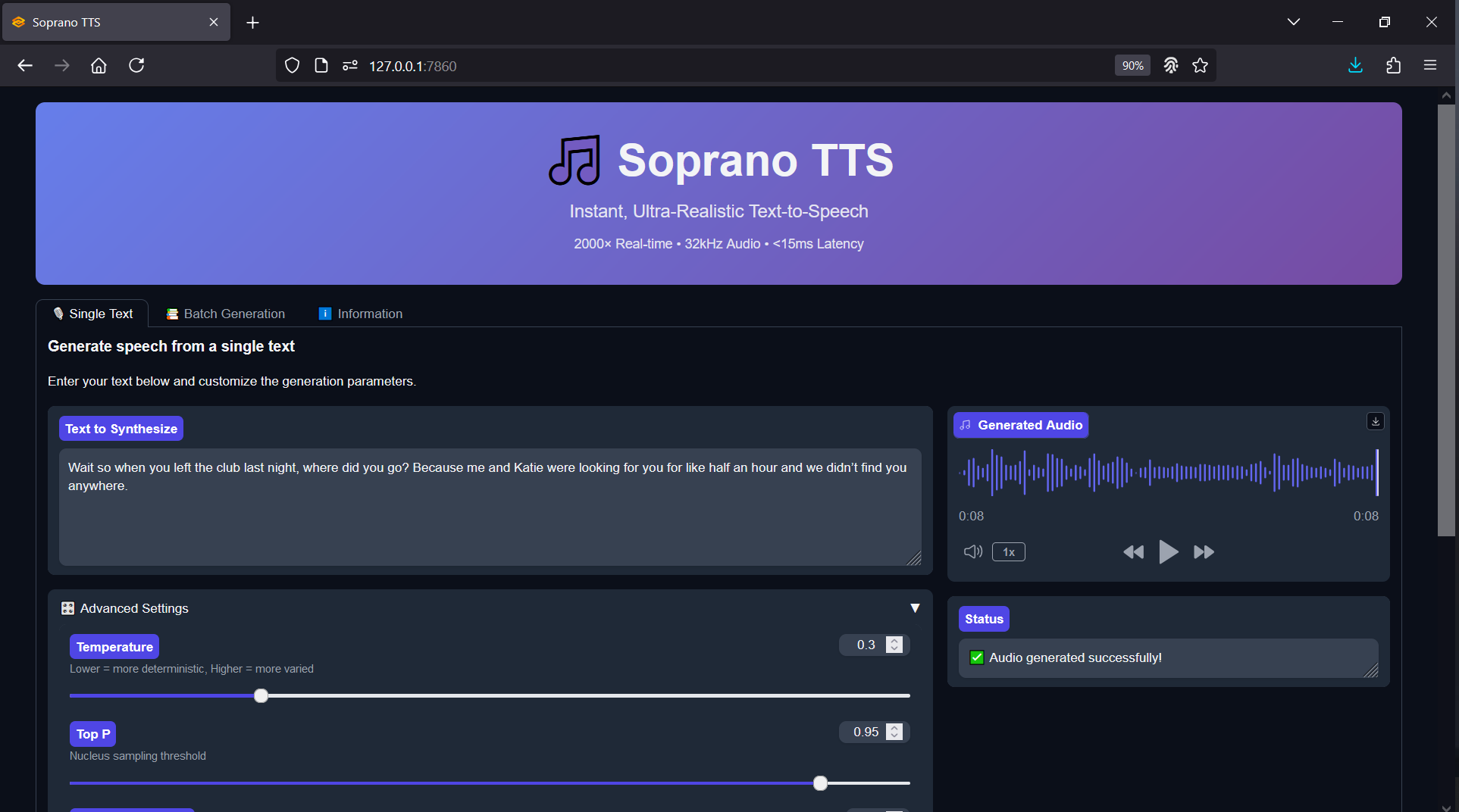
Soprano-80M Realtime TTS - One Click Windows Installer
The Soprano-80M model delivers impressive realism and responsiveness while remaining compact enough for consumer hardware. This small yet capable TTS engine can produce natural-sounding speech in realtime, making it perfect for quick prototyping, game development, or AI-driven creative tools.
This fork version of the public Soprano repository comes preconfigured with a Gradio interface for instant testing and an OpenAI-compatible API, making local deployment simple and developer-friendly. The goal was to make Soprano-80M accessible to anyone — no Python environment setup, no manual dependency management, and no troubleshooting required. Just launch, generate, and go.
Soprano-80M Forked GitHub Repository: https://github.com/groxaxo/soprano
Soprano-80M Hugging Face: https://huggingface.co/ekwek/Soprano-80M
FREE Model Demo: https://huggingface.co/spaces/ekwek/Soprano-TTS
What's Included
Full automated environment setup — dependency installs, repo clones, and model downloads
Preconfigured scripts for launching the project via Gradio UI
Optional OpenAI-compatible API server for integration with your own apps
System Requirements
Windows OS
Nvidia GPU with CUDA support (RTX 30XX or newer recommended)
VRAM: Minimum 1 GB (CPU possibly supported)
25 GB free disk space minimum
Internet connection for dependency downloads and repository cloning
Installation Instructions
Download the batch file and place it in a dedicated folder.
Install FFmpeg if not already installed, then reboot if prompted.
Run the batch file to begin the automated setup and installation.
Launch the project by running start.bat to access the Gradio interface or API endpoint.
Get Every Installer with Local Lab Pro
Buy this installer on its own here, or get every installer in the store — plus every new release — with Local Lab Pro for $10/month. Cancel anytime. Join Local Lab Pro →